
To enable Recurring Campaigns option in a New Campaign, please follow the steps below:
MCC Account Dashboard > Email Marketing > Campaigns > click Create Campaign
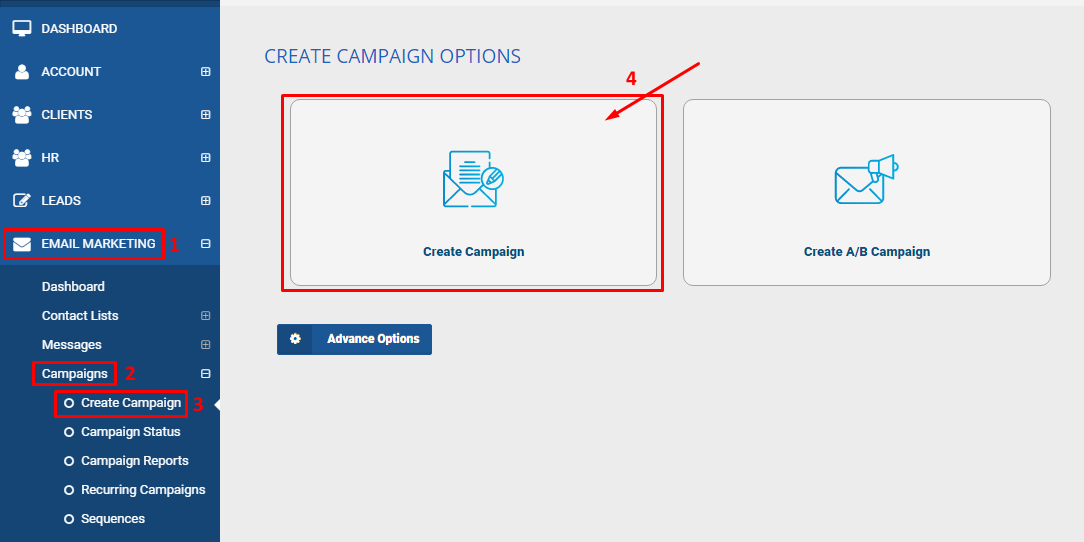
It will load up the Create Campaign page > Fill out all the necessary information in the page > scroll down to Recurring Campaigns > click Show Settings button

Set YES in the Enable Recurring Campaign setting > Choose your desired Repeat every and Repeat times fields from the dropdown options > click Create Campaign button

